How to Launch a Restaurant, Agency, or Law Firm Website Fast with Next.js
Most “fast website” advice ends at deploying a blank starter. This guide is different: specific pages, specific sections, and a ready-to-deploy template for each type of business — so you ship in days, not weeks.
The problem with starting from scratch for a business website is not the technology. Next.js, Tailwind and Vercel have made deployment trivial. The problem is the decisions: which pages, which sections, what to prioritize. A good template solves all of that upfront and lets you focus on content.
The universal fast-launch checklist
Regardless of niche, every business website needs to answer three questions the moment a visitor lands:
- What is this? A clear, one-sentence headline above the fold. No clever wordplay — state what you do.
- Why should I trust you? Social proof: client logos, a photo of the team, years in business, a review or two.
- What should I do next?One primary CTA, visible without scrolling: “Reserve a table”, “Request a quote”, “Book a consultation”.
If your template handles those three, the rest is content. Here is what each niche needs beyond the basics.
Restaurant website: what to include
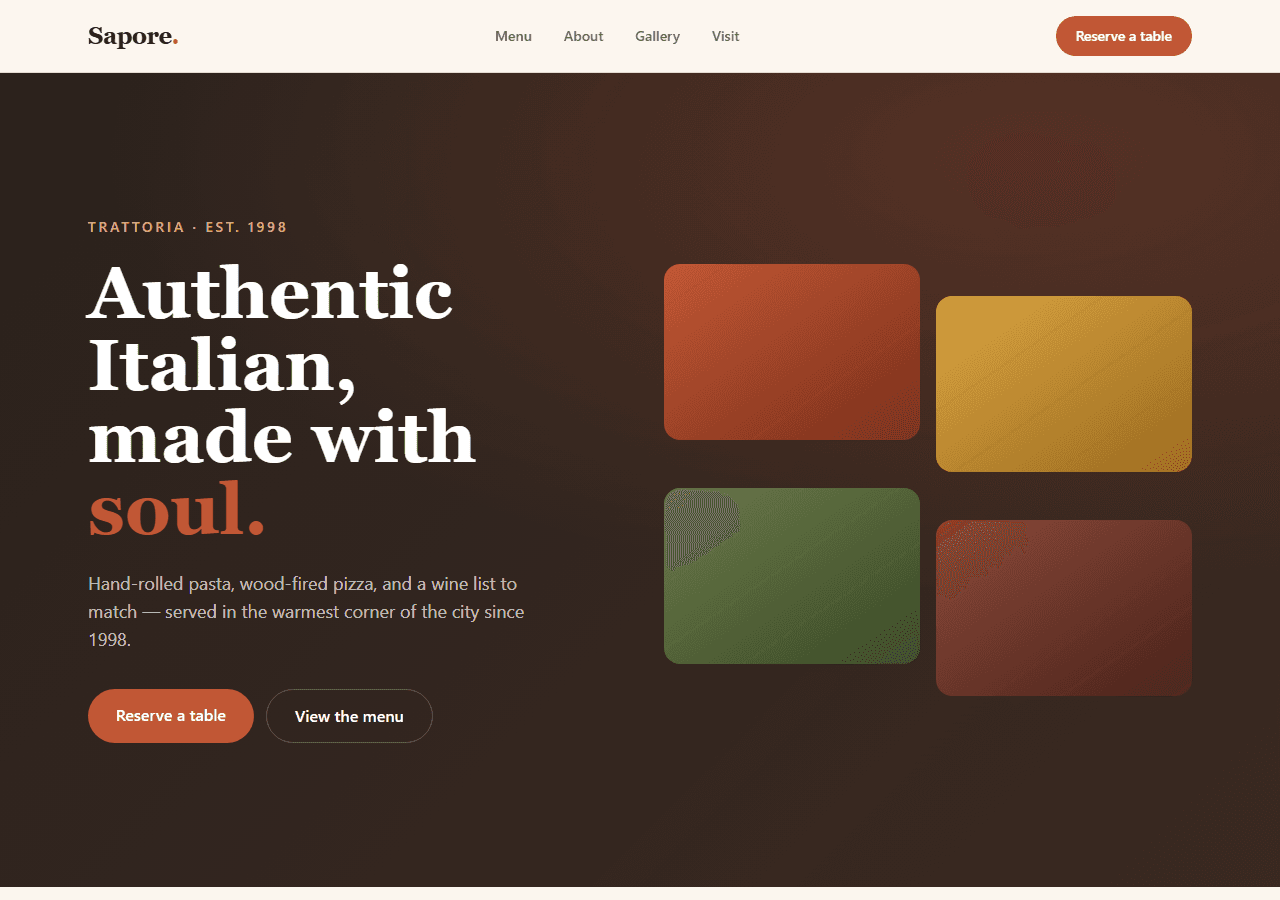
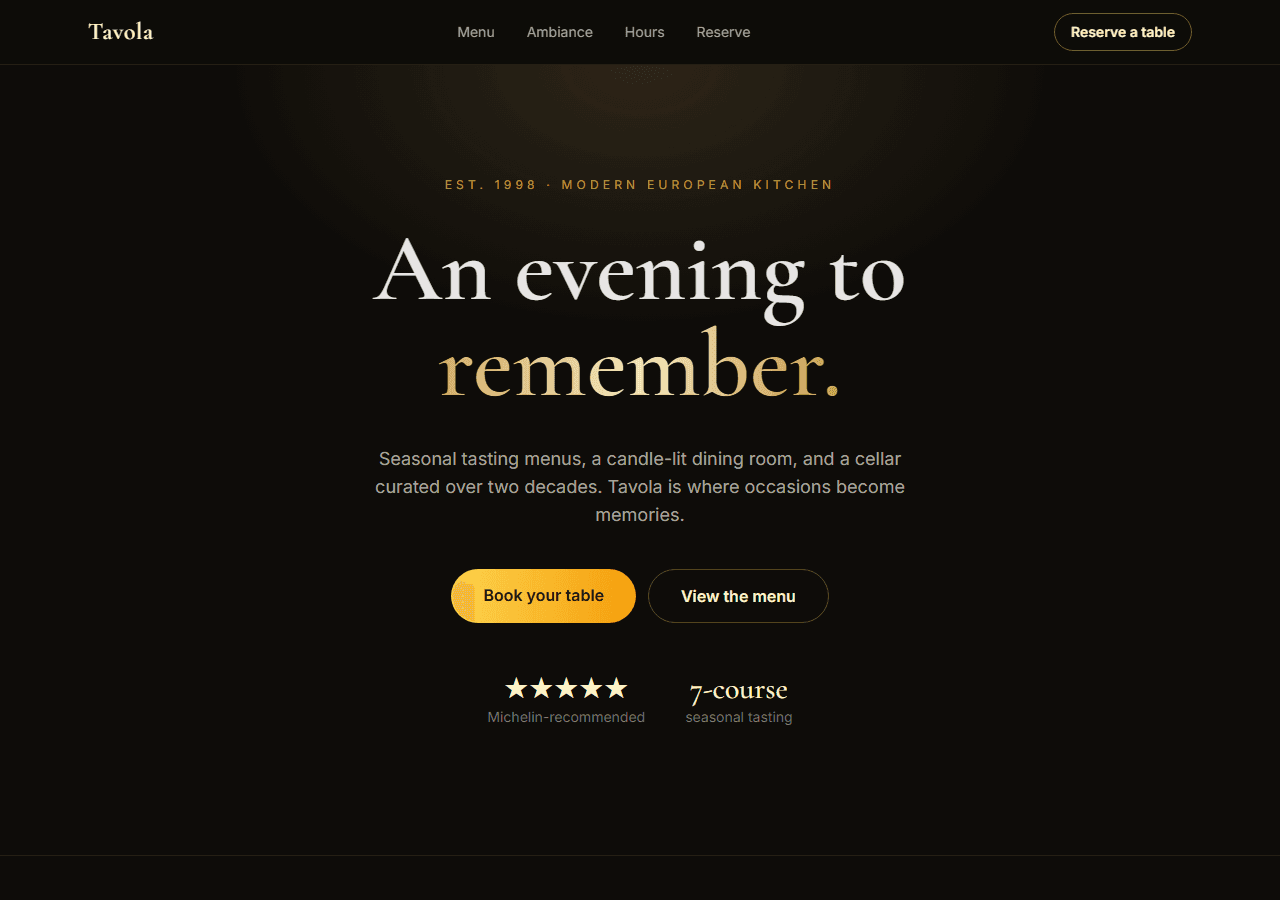
Restaurants have a clear customer journey: discover → check the menu → make a reservation. Build around that.
Required pages
- Home— hero with a mood photo, a headline (“Fresh Italian in the heart of downtown”), and a prominent “Book a Table” button.
- Menu — organized by category (starters, mains, desserts, drinks), with prices. A single long page works; a category-filtered layout works better for longer menus.
- Gallery — six to twelve photos of the food and the space. This is the second-highest-converting page for restaurants.
- About — the story, the chef, the values. Short and genuine beats long and polished.
- Reservations / Contact — a working form that sends a confirmation email or reference number. Visitors will abandon a phone-number-only page.
What to skip at launch
Online ordering, a loyalty program, and a full CMS are tempting but not needed at launch. Ship the five pages above, get real customers, then add complexity.
Digital agency website: what to include
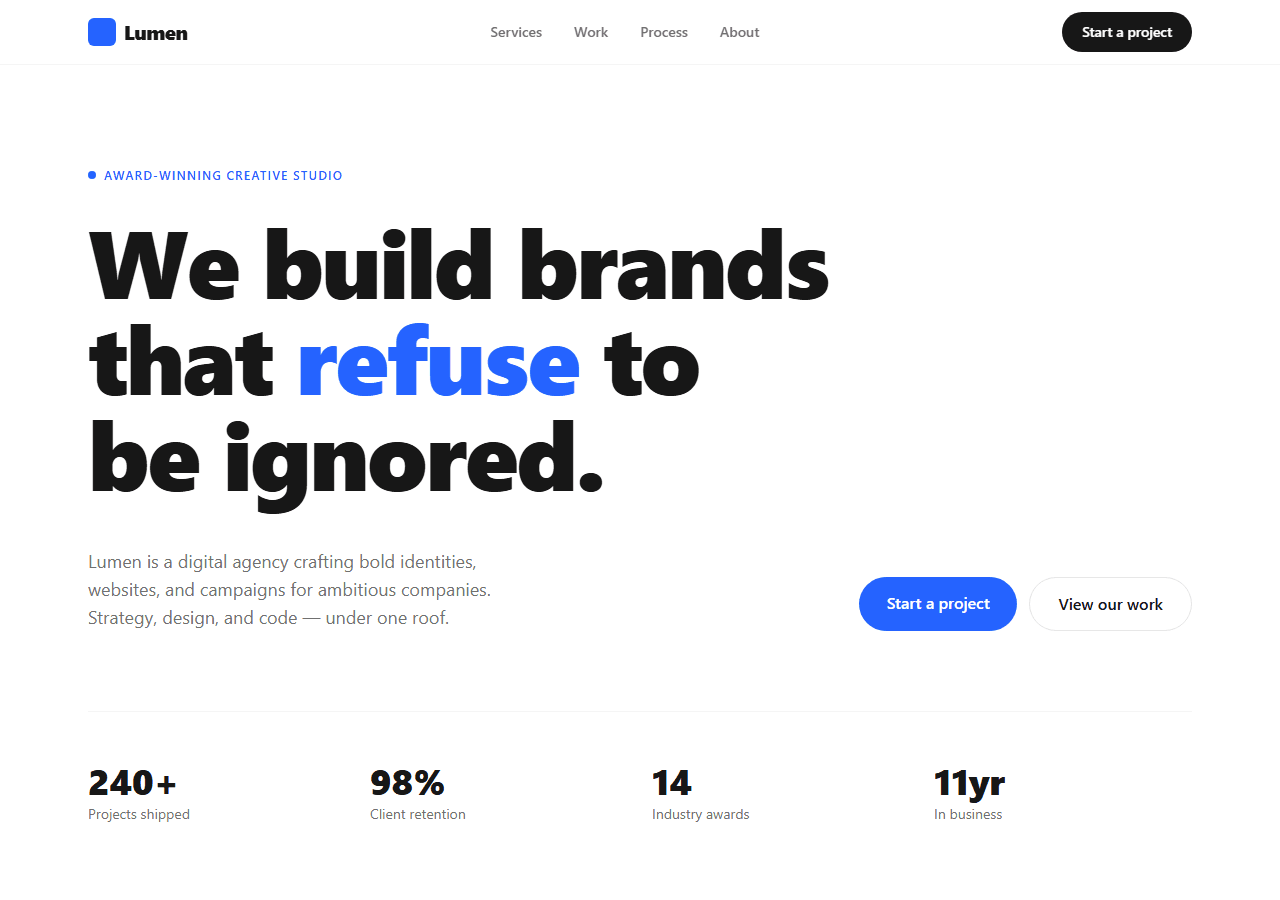
Agency sites sell trust. The visitor wants to know: have you done this before, for someone like me?
Required pages
- Home— hero with a clear positioning statement (“We build fast web apps for B2B SaaS”), a services summary, and a link to case studies.
- Services— a brief description of each service with the outcome it delivers, not just the activity. “We design interfaces” is weaker than “We reduce drop-off on your onboarding flow”.
- Work / Case Studies — three to five real projects with a before/after or a measurable result. Each case study should have its own detail page.
- About — the team, the story, the values. A photo of real people matters more than stock imagery.
- Contact / Get a Quote — a form with a brief project brief (budget, timeline, type of work). Qualify leads upfront.
Law firm website: what to include
Legal websites have to do two things well: communicate expertise and lower the barrier to contact. Most fail at the second.
Required pages
- Home— the firm's positioning (“Family law in Chicago — free first consultation”) with a clear CTA to book a consultation. Do not bury the CTA.
- Practice Areas — a listing page, plus an individual detail page for each area (family law, criminal defense, real estate, etc.). Each sub-page should explain what you handle and what the process looks like.
- Attorneys — individual profiles with photos, credentials, and a direct contact link. This is the most-visited section on most law firm sites.
- About the Firm — history, values, any notable cases (permitted by bar rules), awards.
- Consultation request form — inline on the home page and on its own page. A phone number alone loses mobile visitors.
Nice to have
A resources or blog section helps with local SEO over time (“What to do after a DUI in Illinois” ranks well and drives qualified traffic). Add it after launch.
The shortcut: use a production-ready template
Building these page structures from a blank Next.js app takes a week — routing, layouts, form wiring, responsive mobile nav, SEO metadata on every page. A good template has all of that already done. You drop in the content and deploy.
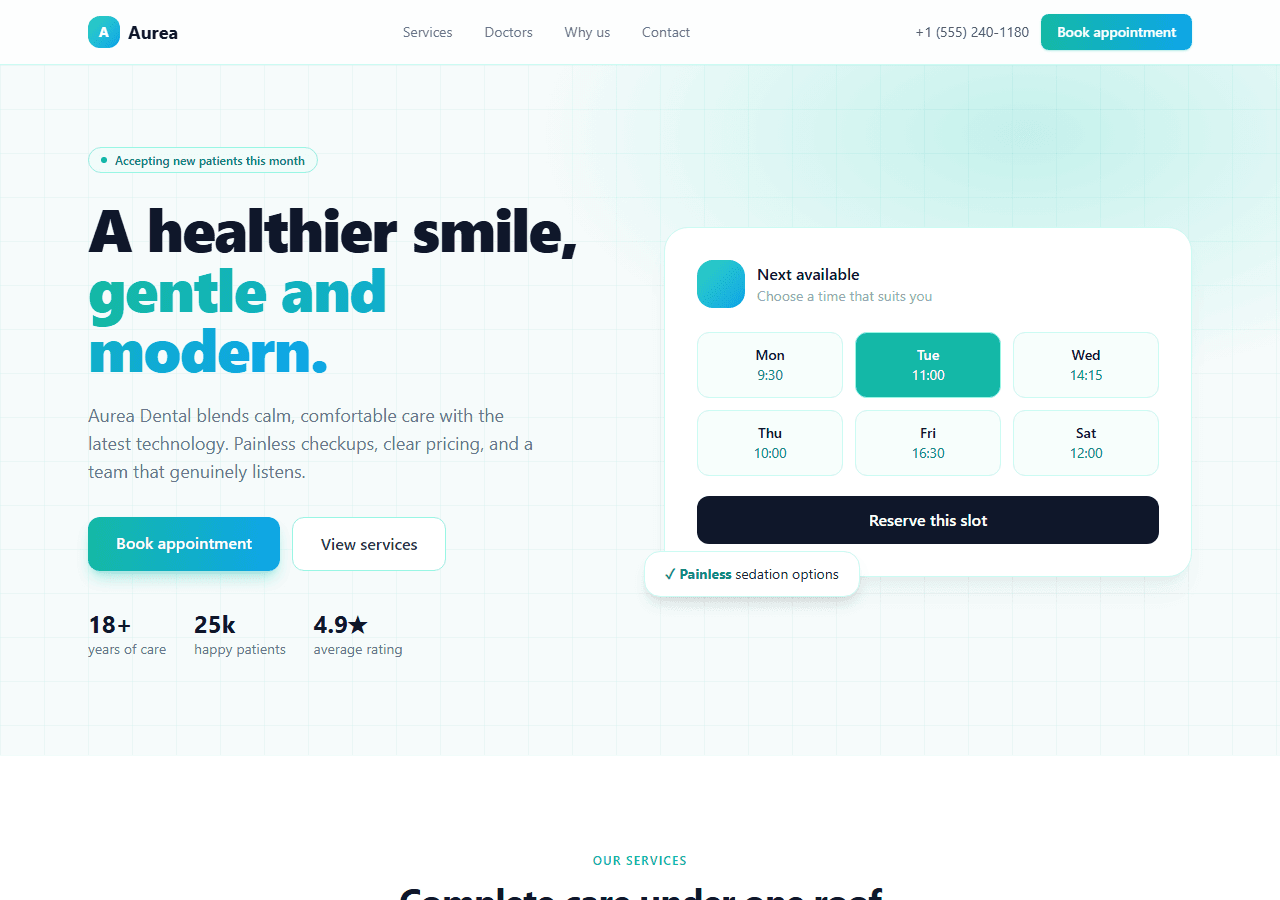
The templates below cover all three niches (and more) out of the box — categorized menu, case study detail pages, practice area detail pages, working reservation and inquiry forms, and a live Vercel demo you can click through before you buy. The full bundle of 20 templates is $79 — worthwhile if you deliver client sites across niches.