Production-Ready Next.js Starter vs. AI Slop: How to Tell the Difference
In 2026, anyone can generate a “Next.js starter” in minutes. Very few of them are actually production-ready. Here is how to tell, before you spend money or ship to a client.
“Vibe coding” — prompting an AI until something renders and calling it done — produced a wave of templates that look fine in a screenshot and fall apart in practice. The backlash is justified. A production-ready Next.js starter is defined by what happens after the screenshot: when you clone it, build it, and edit it.
The 7-point production-ready checklist
- It builds clean.
tsc --noEmitandnext buildboth pass on a fresh clone with zero errors. This is the single biggest signal. - No runtime crashes. The dev server and the production build both load without console errors.
- Typed, not
anyeverywhere. Real TypeScript types, not a thin disguise over untyped JS. - Readable structure. Components split sensibly, not one giant file. You can find and change things.
- Responsive and accessible. Works on mobile, semantic HTML, keyboard-navigable.
- SEO basics wired in. Proper metadata, titles, descriptions and a sitemap — not an afterthought.
- No leftover placeholders.No lorem ipsum, no commented-out dead code, no “TODO: fix this” in the shipping build.
How to actually verify it (2 minutes)
If you can get the source first, run:
npm install— does it resolve cleanly?npx tsc --noEmit— zero type errors?npm run build— does it produce a build?
If a seller can't tell you the answer to those three, that is your answer.
Where our templates stand
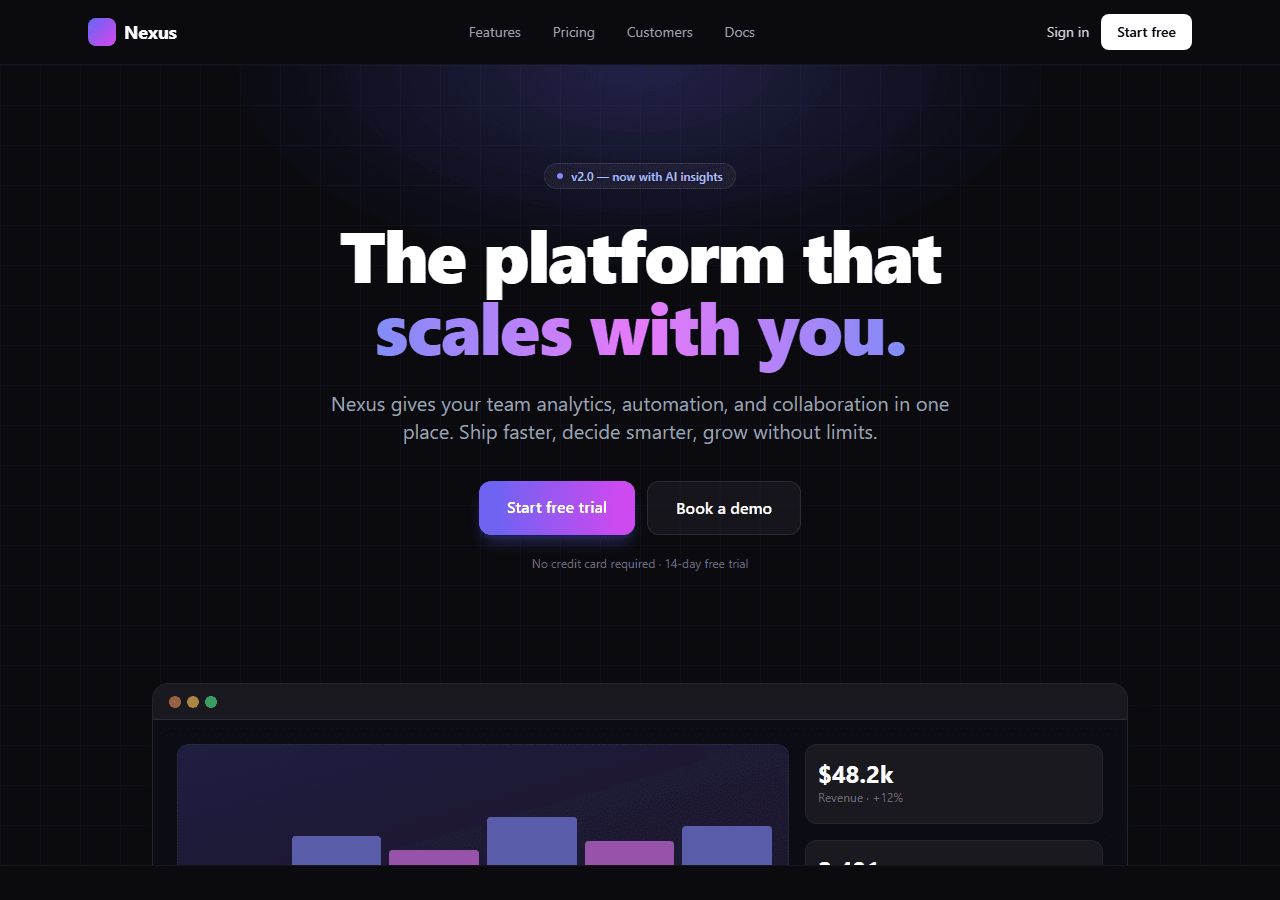
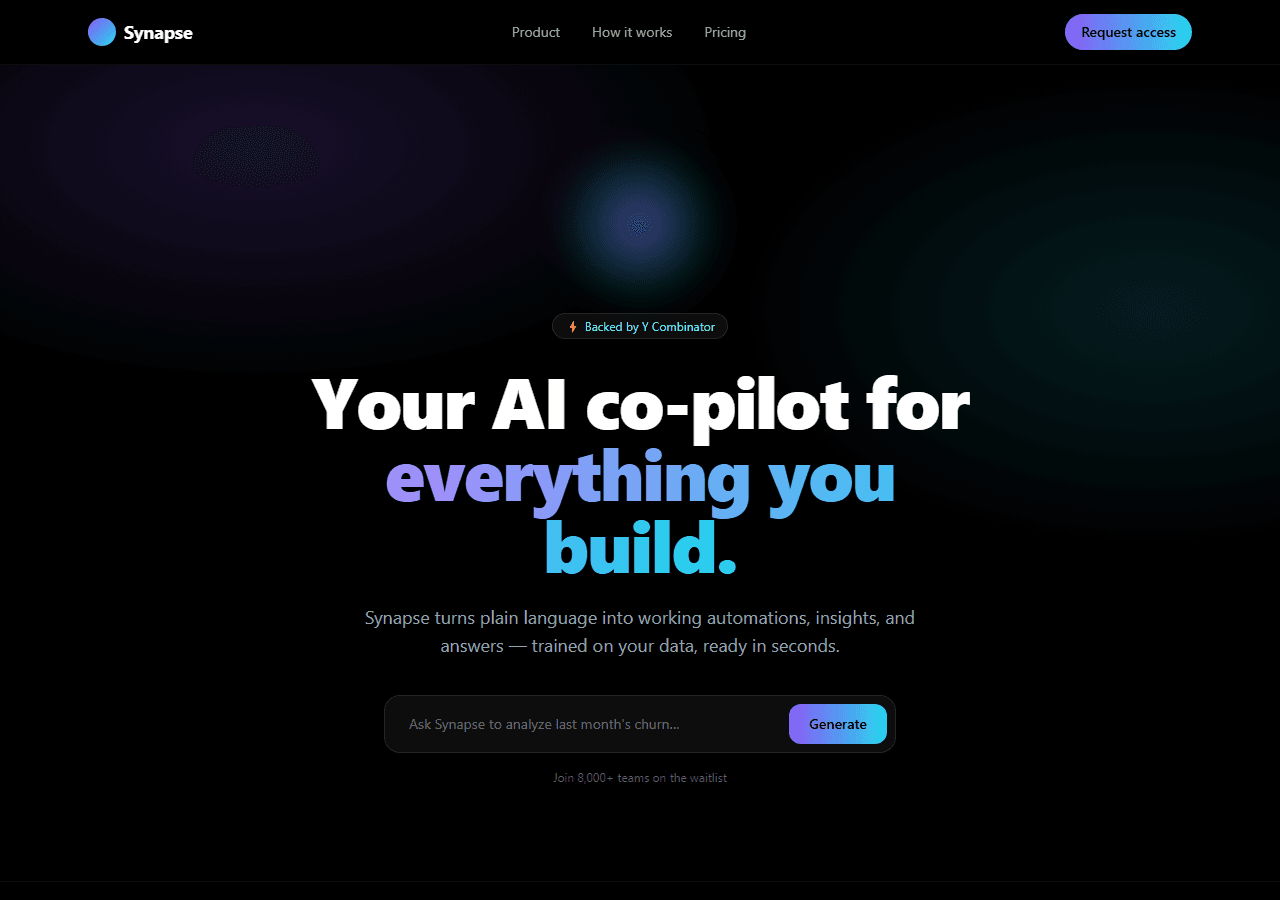
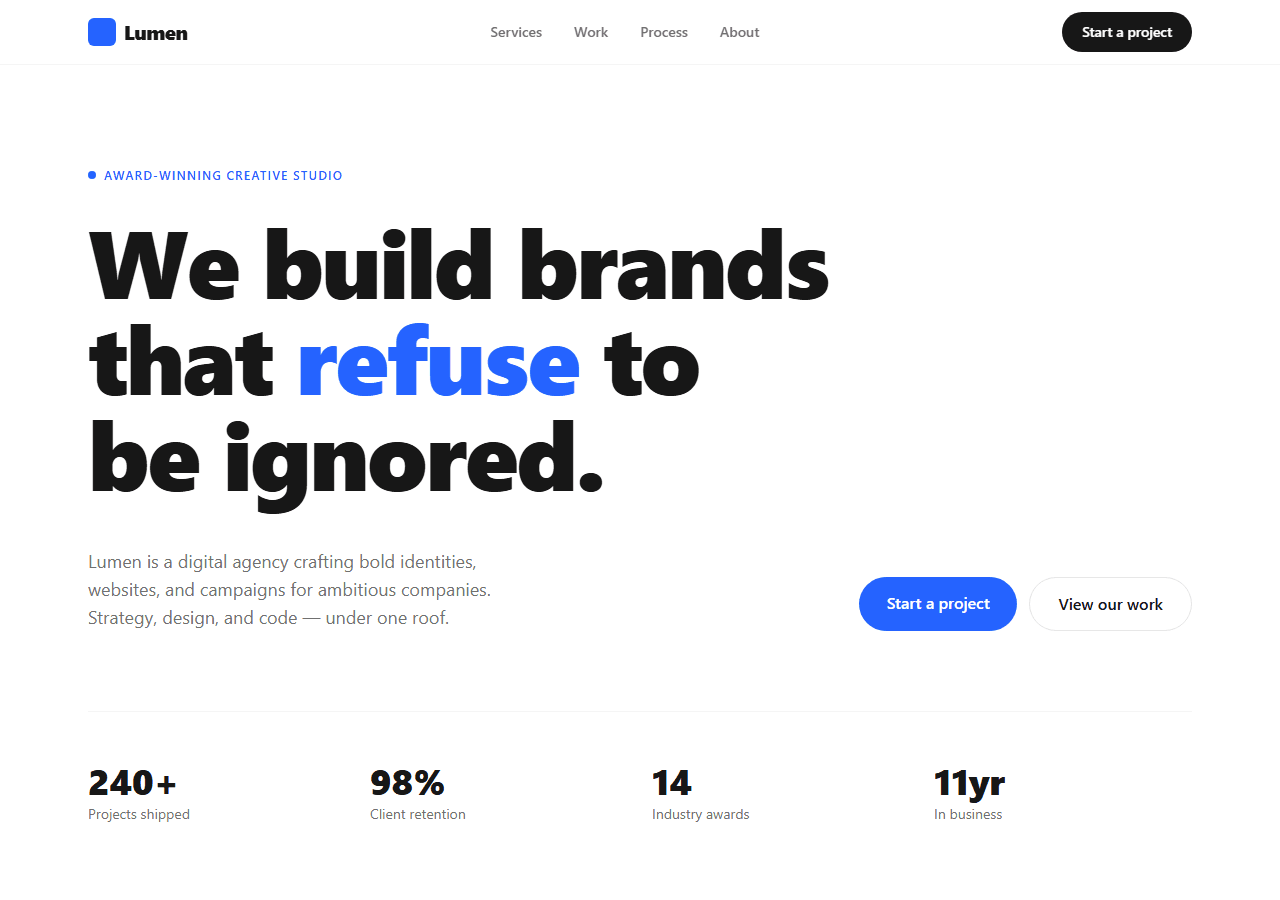
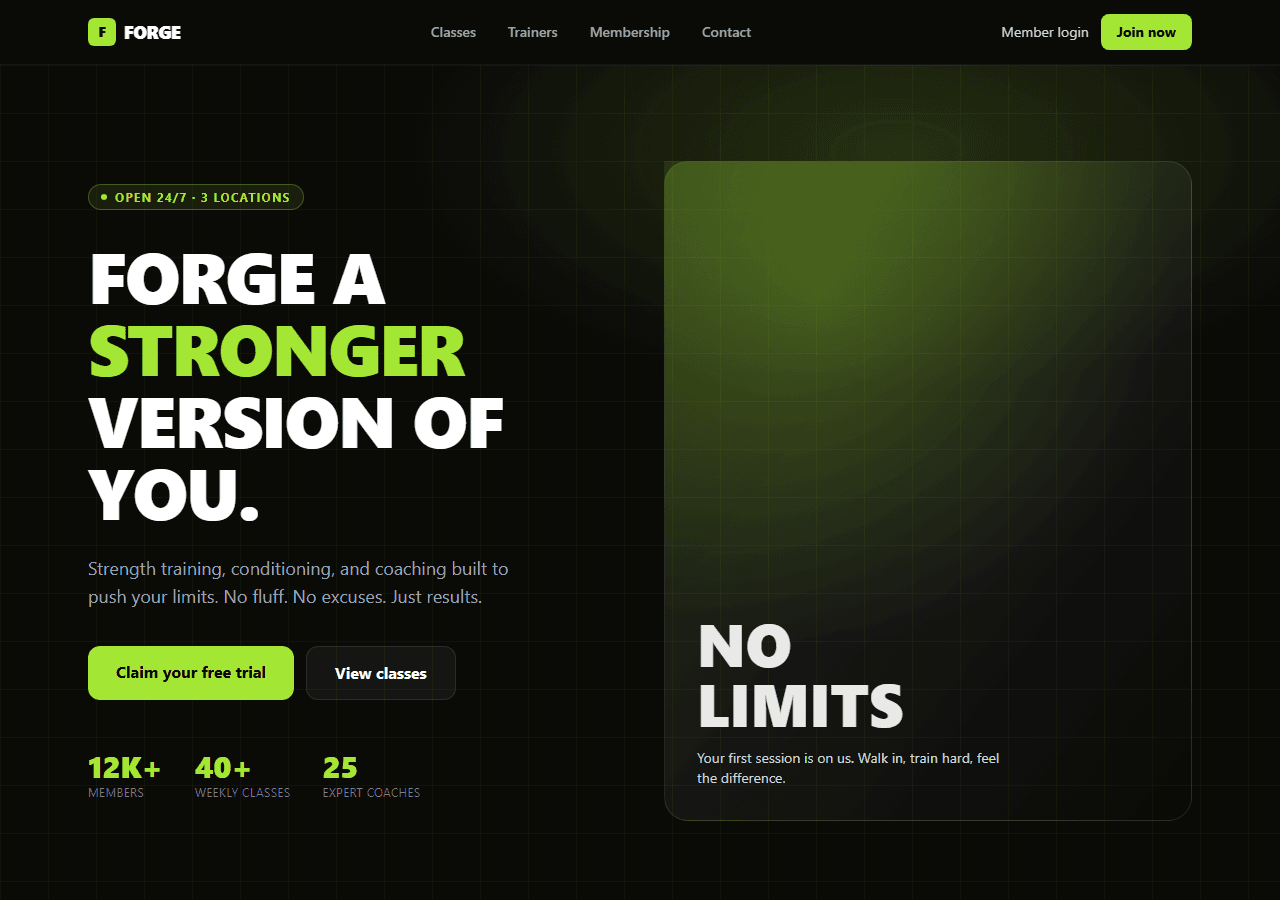
Every template in this collection is built by hand on Next.js 16 (App Router) + Tailwind v4 with TypeScript, and ships only after it passes type-check and next build. That is the whole point: a clean baseline you brand and ship, not a screenshot you have to rebuild. The full set is $79 for the bundle.
Already shipped and something broke?
One Next.js or Supabase production bug · $249
A focused 48-hour sprint to reproduce one failure, implement a bounded fix, and verify the nearest regression path. Contracting and payment stay on Upwork.
Review the bug-fix scope →