How to Choose a Next.js SaaS Template (2026 Buyer's Guide)
A Next.js SaaS templatecan save you a week of boilerplate — or cost you two weeks untangling someone else's mess. Here is how to pick one that actually ships.
The market is flooded right now. Anyone can prompt an AI to spit out a “SaaS landing page” in five minutes and list it for sale. A lot of those break the moment you run npm run build, ship inaccessible markup, or hard-code a hundred values you have to hunt down. A good SaaS template is the opposite: a clean, tested baseline you only have to brand.
The 6 things that actually matter
- It builds. Non-negotiable. The template should pass
tscandnext buildon a fresh clone. If the seller won't confirm this, walk away. - Modern stack. Next.js App Router, TypeScript and Tailwind. Avoid templates stuck on the old Pages Router with no types.
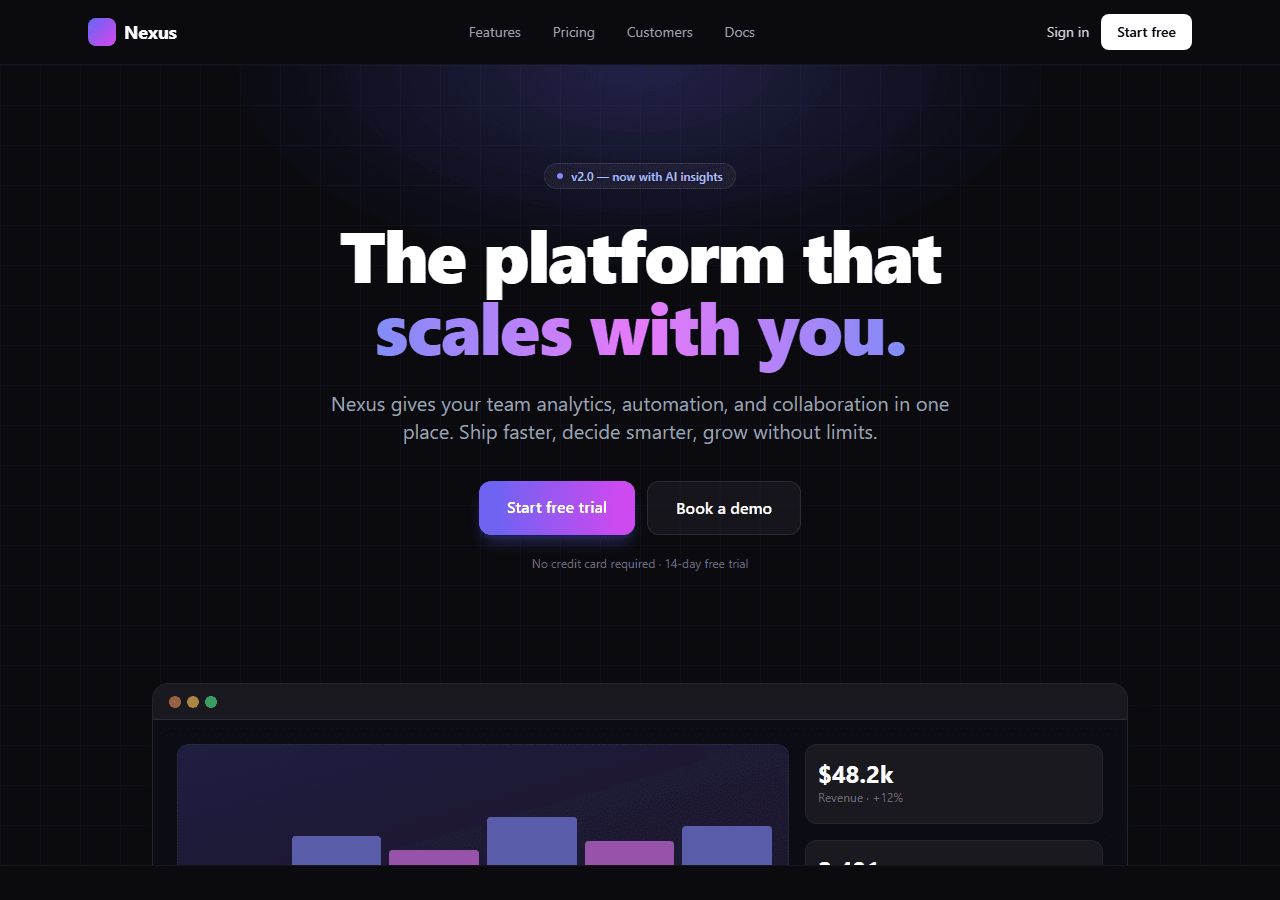
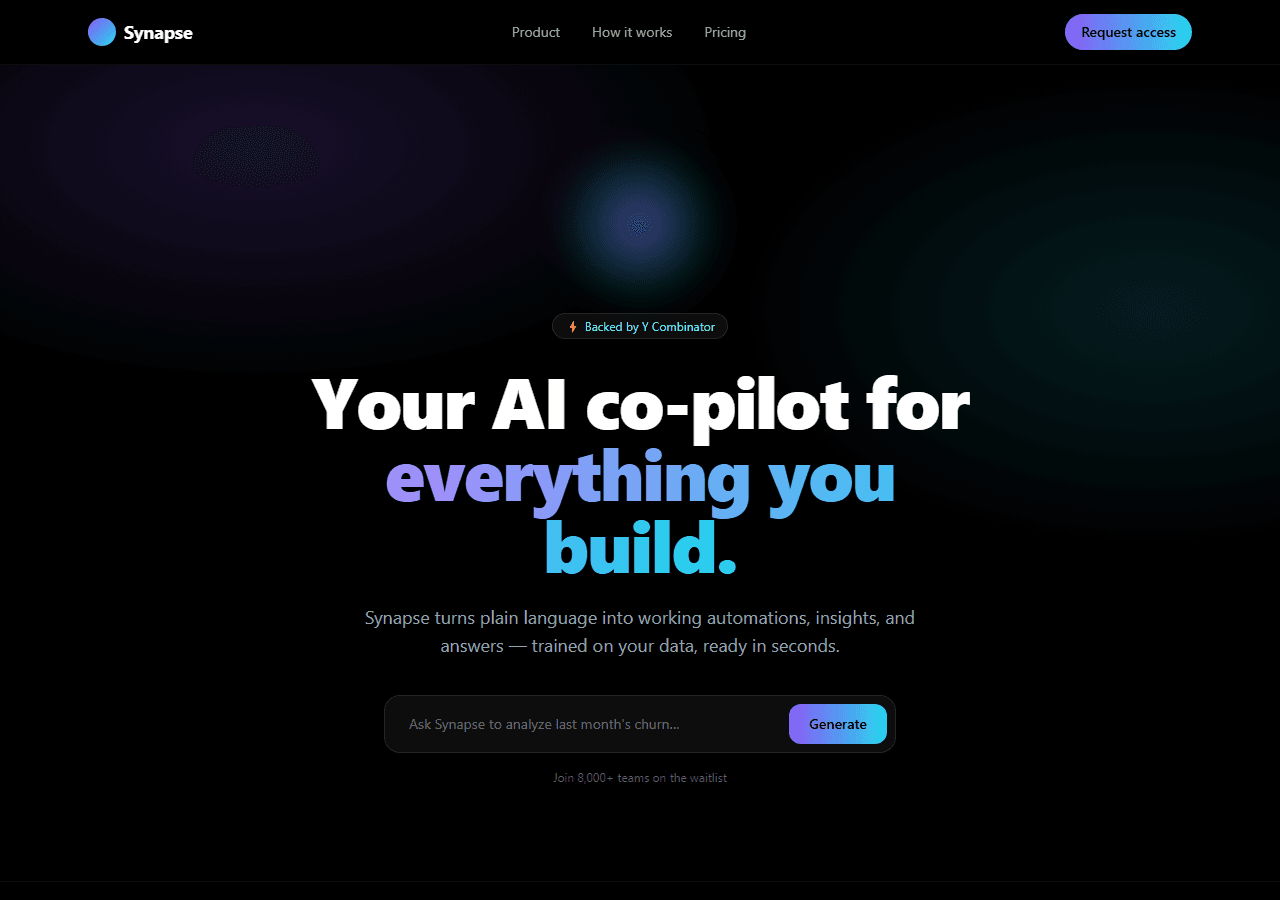
- The sections a SaaS actually needs: hero, social proof, feature grid, pricing table, FAQ and a clear CTA. A pretty hero with nothing under it is not a template.
- Responsive and accessible. Real mobile layouts, semantic HTML, keyboard-navigable menus.
- Clean, readable code. You will be editing this. If it is a 4,000-line single file, that is a red flag.
- A sane license. Commercial use allowed, so you can put it in front of a paying client.
Red flags: how to spot AI-generated slop
The 2026 backlash against “vibe-coded” templates is real, and for good reason. Watch for:
- No live demo, or a demo that throws console errors.
- Screenshots that look identical to ten other listings.
- No mention of the framework version, the build status, or what is actually included.
- Placeholder lorem ipsum left in the “finished” product.
The fastest path: start from a tested SaaS template
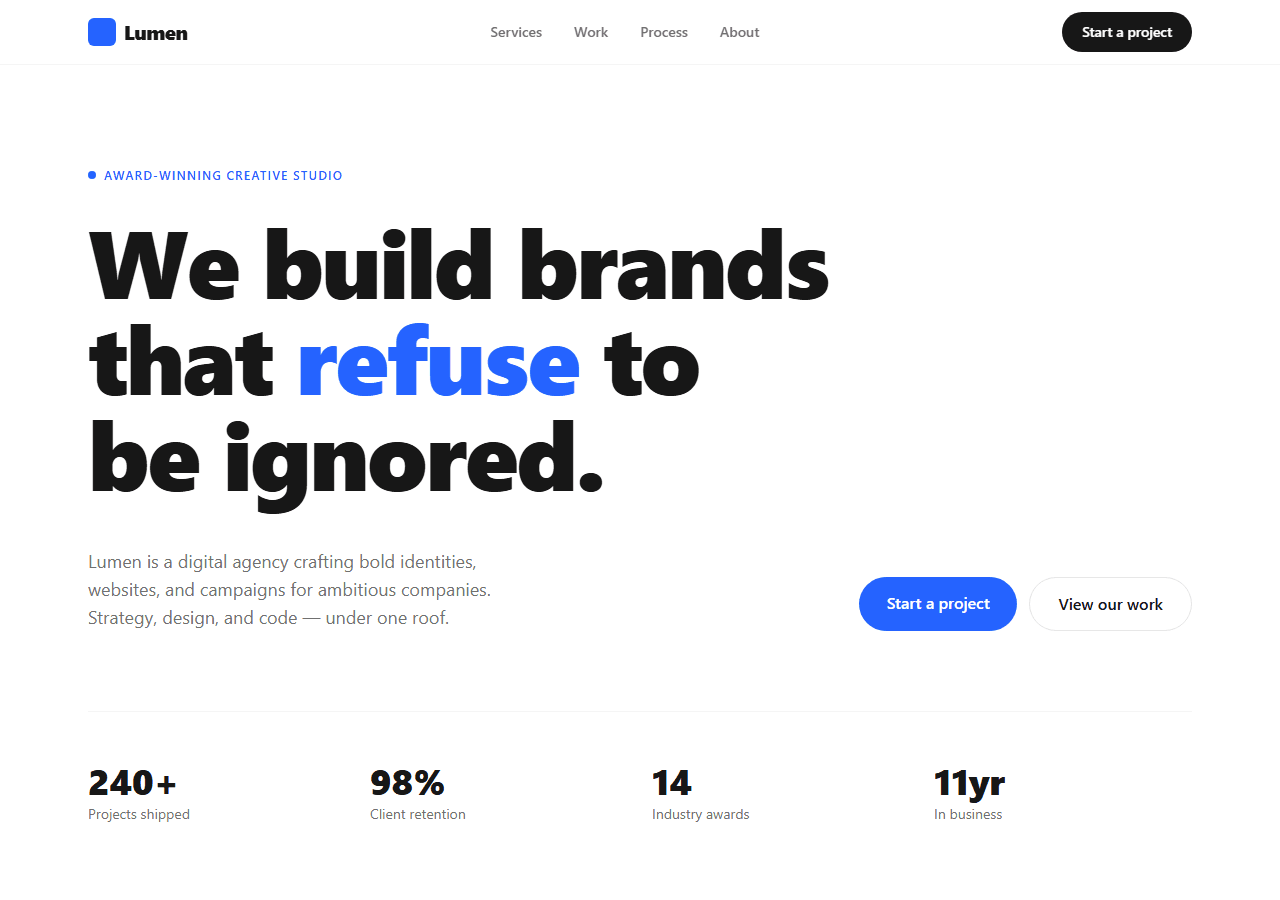
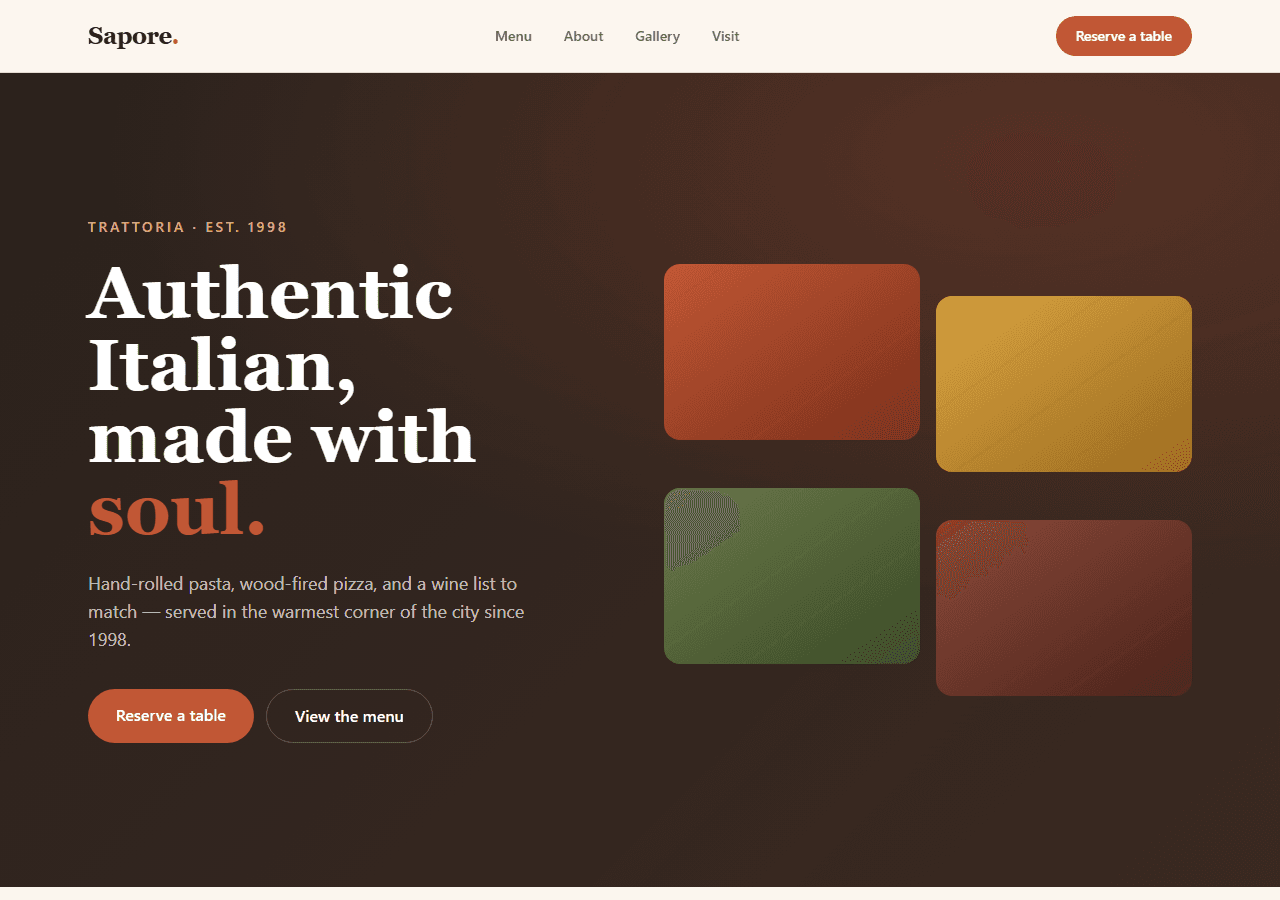
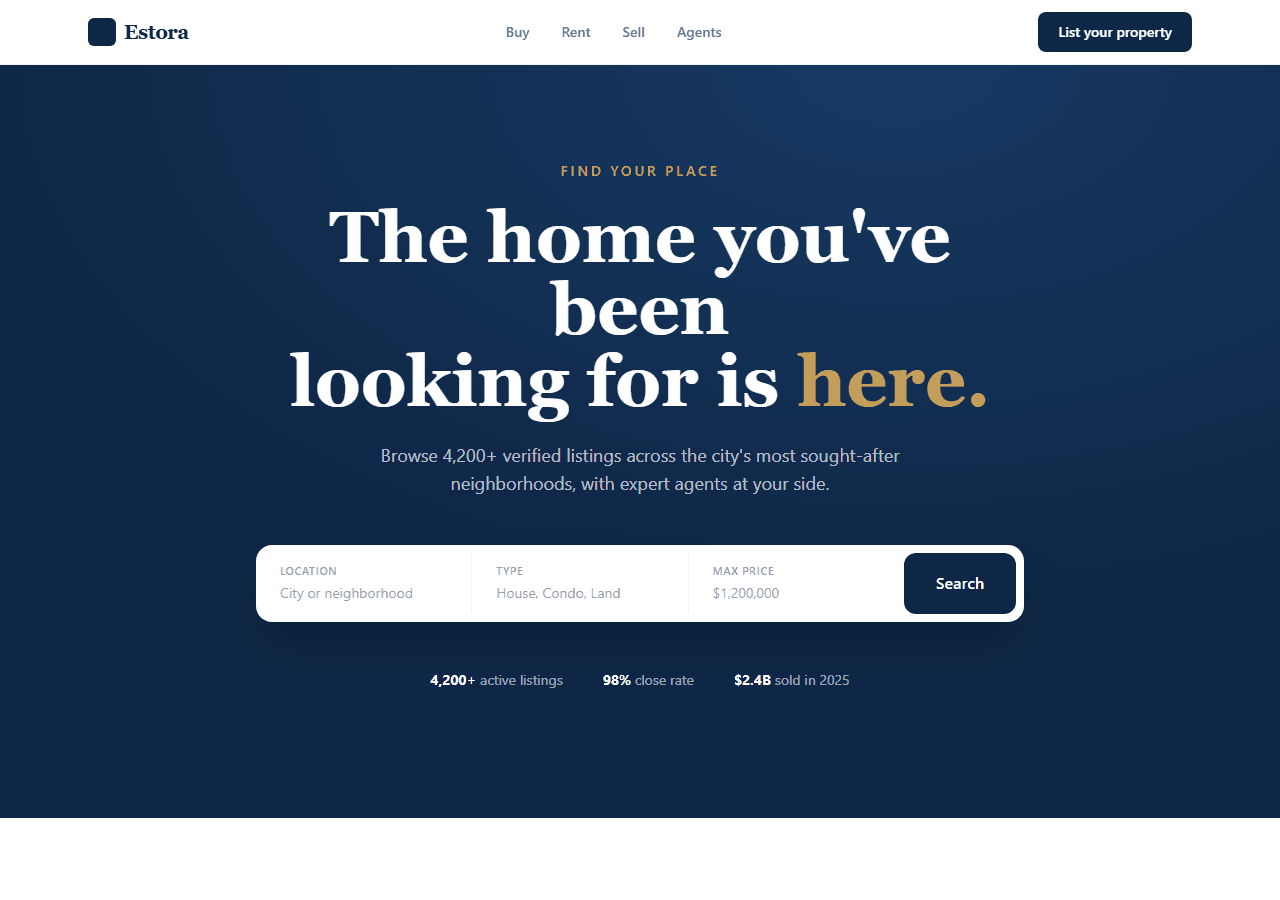
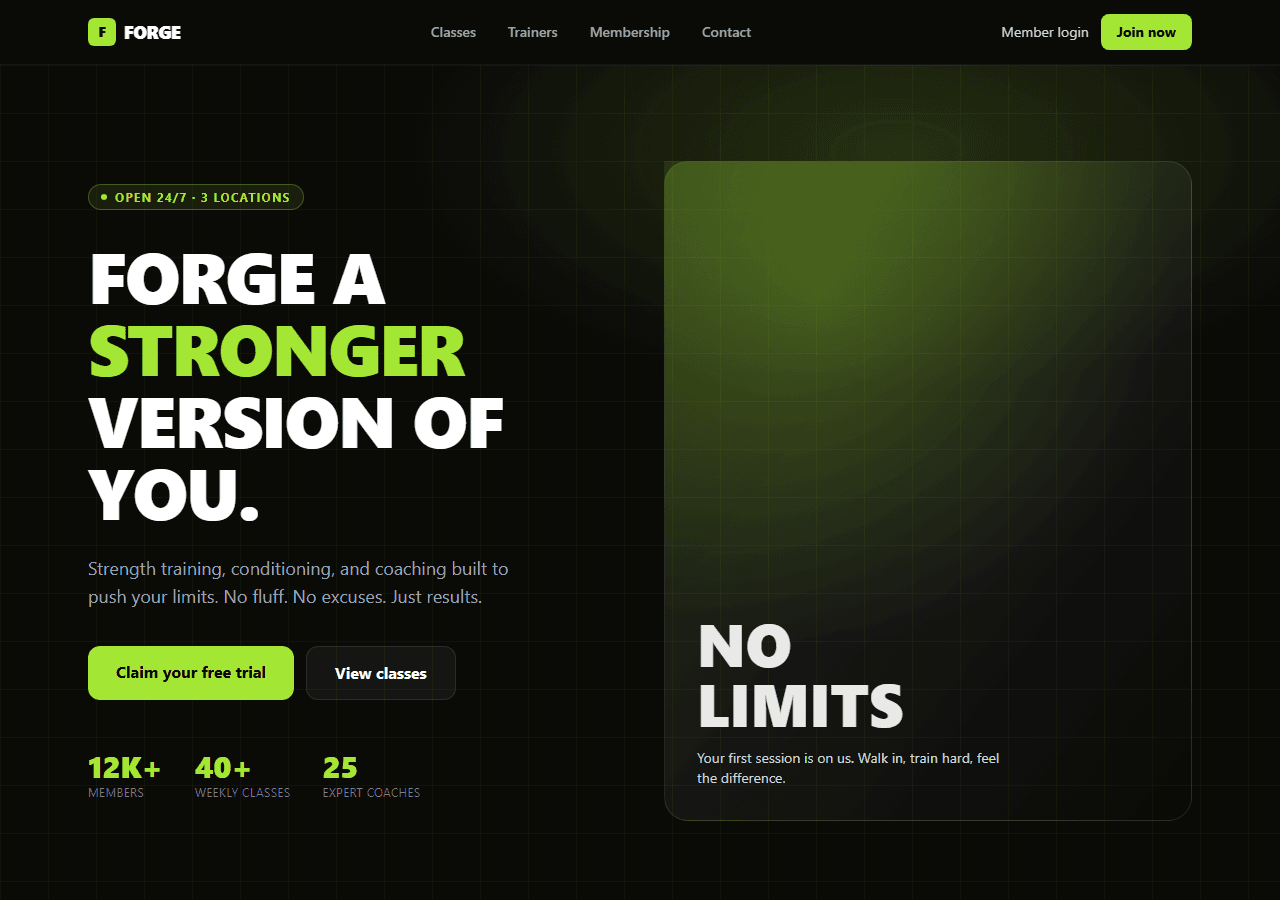
The Modern SaaS template below is a conversion-focused landing page — hero, pricing and CTA — built with Next.js + Tailwind and ready to git clone and deploy. It is part of a set of 20 production-ready templates, sold together as one bundle — the whole set is $79.