Add Local Business SEO Schema to a Next.js Site
A beautiful restaurant or dental site that Google can't place on a map is invisible to half its customers. The fix is one block of JSON-LD. Here is exactly what to add, where it goes in the App Router, and how to verify it.
When someone searches “dentist near me” or “Italian restaurant downtown”, Google leans heavily on structured data to decide which businesses to show and how to display them. The relevant type is LocalBusiness (and its subtypes like Dentist, Restaurant, and LegalService). It is the single highest-leverage SEO change for a local business site, and most templates skip it entirely.
The minimum viable LocalBusiness block
Schema.org allows dozens of fields, but Google only needs a handful to treat your page as a real business. Start with these and add more later:
{
  "@context": "https://schema.org",
  "@type": "Dentist",
  "name": "Bright Smile Dental",
  "image": "https://brightsmile.com/clinic.jpg",
  "url": "https://brightsmile.com",
  "telephone": "+1-312-555-0142",
  "priceRange": "$$",
  "address": {
    "@type": "PostalAddress",
    "streetAddress": "120 N State St",
    "addressLocality": "Chicago",
    "addressRegion": "IL",
    "postalCode": "60602",
    "addressCountry": "US"
  },
  "geo": {
    "@type": "GeoCoordinates",
    "latitude": 41.8843,
    "longitude": -87.6279
  },
  "openingHoursSpecification": [{
    "@type": "OpeningHoursSpecification",
    "dayOfWeek": ["Monday","Tuesday","Wednesday","Thursday","Friday"],
    "opens": "09:00",
    "closes": "17:00"
  }]
}
Swap @type for your niche: Restaurant (add a servesCuisine field), LegalService for a law firm, HairSalon for a barber. Everything else stays the same shape.
Where it goes in the App Router
In the Next.js App Router, pages are server-rendered by default, so a JSON-LD script you render in a page or layout lands directly in the initial HTML — which is what crawlers read. No client component, no useEffect, no third-party SEO library required:
// app/page.tsx  (server component)
const localBusiness = {
  "@context": "https://schema.org",
  "@type": "Dentist",
  name: "Bright Smile Dental",
  // ...fields from above
};

export default function Home() {
  return (
    <>
      <script
        type="application/ld+json"
        dangerouslySetInnerHTML={{
          __html: JSON.stringify(localBusiness),
        }}
      />
      {/* page content */}
    </>
  );
}
Put it once in the root layout.tsx if the business details are global, or per-page if you run multiple locations. Keep the address, phone, and hours identical to your Google Business Profile — mismatched NAP (name, address, phone) data is a common reason local rankings stall.
Verify before you ship
- Deploy to Vercel (or run
next build && next startlocally). - Paste the live URL into Google's Rich Results Test and Schema.org's Validator. Both should detect the LocalBusiness block with no errors.
- View source (not the React DevTools tree — the actual served HTML) and confirm the
ld+jsonscript is present. If it's missing, you likely rendered it in a client component that hydrates after load.
The shortcut: templates with schema already wired
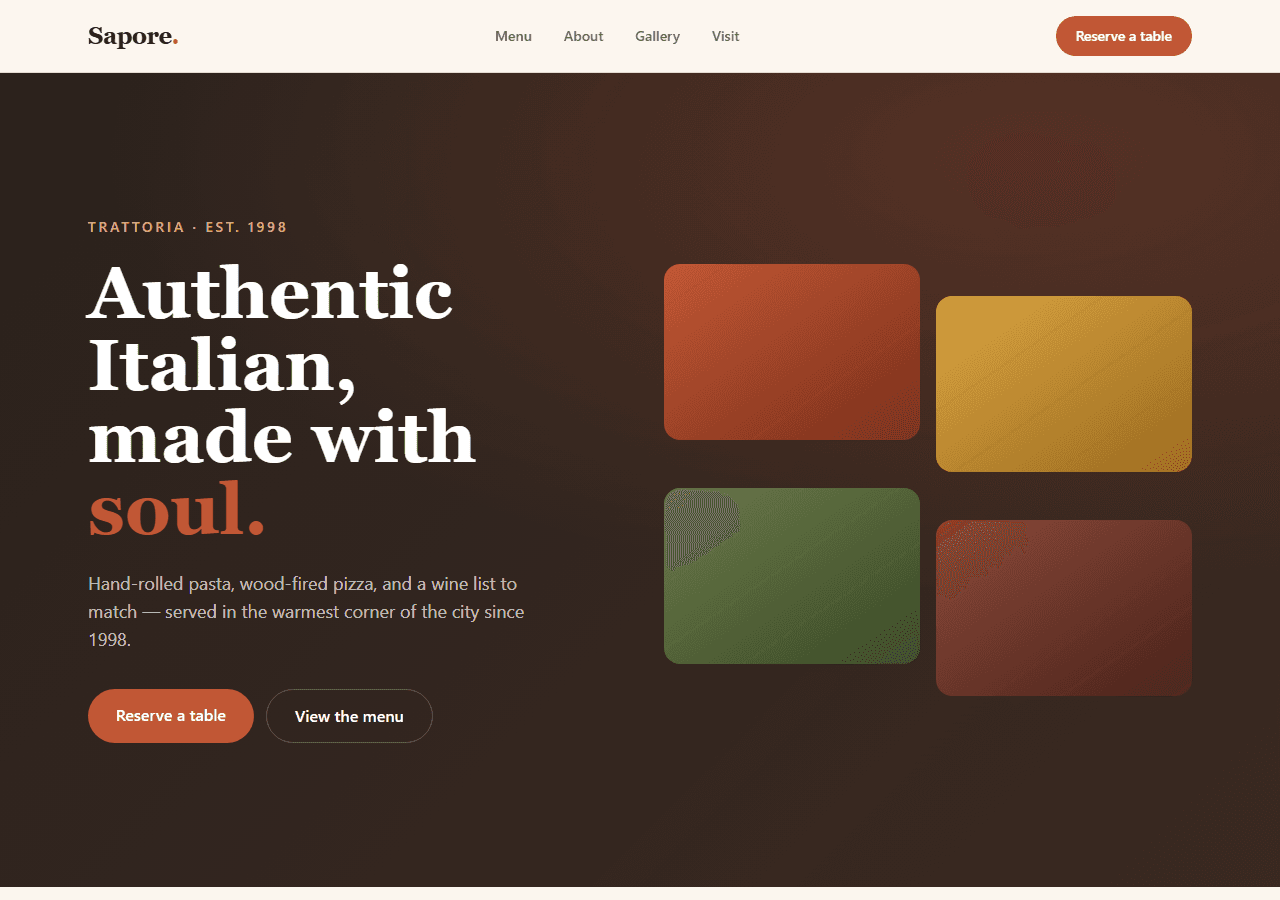
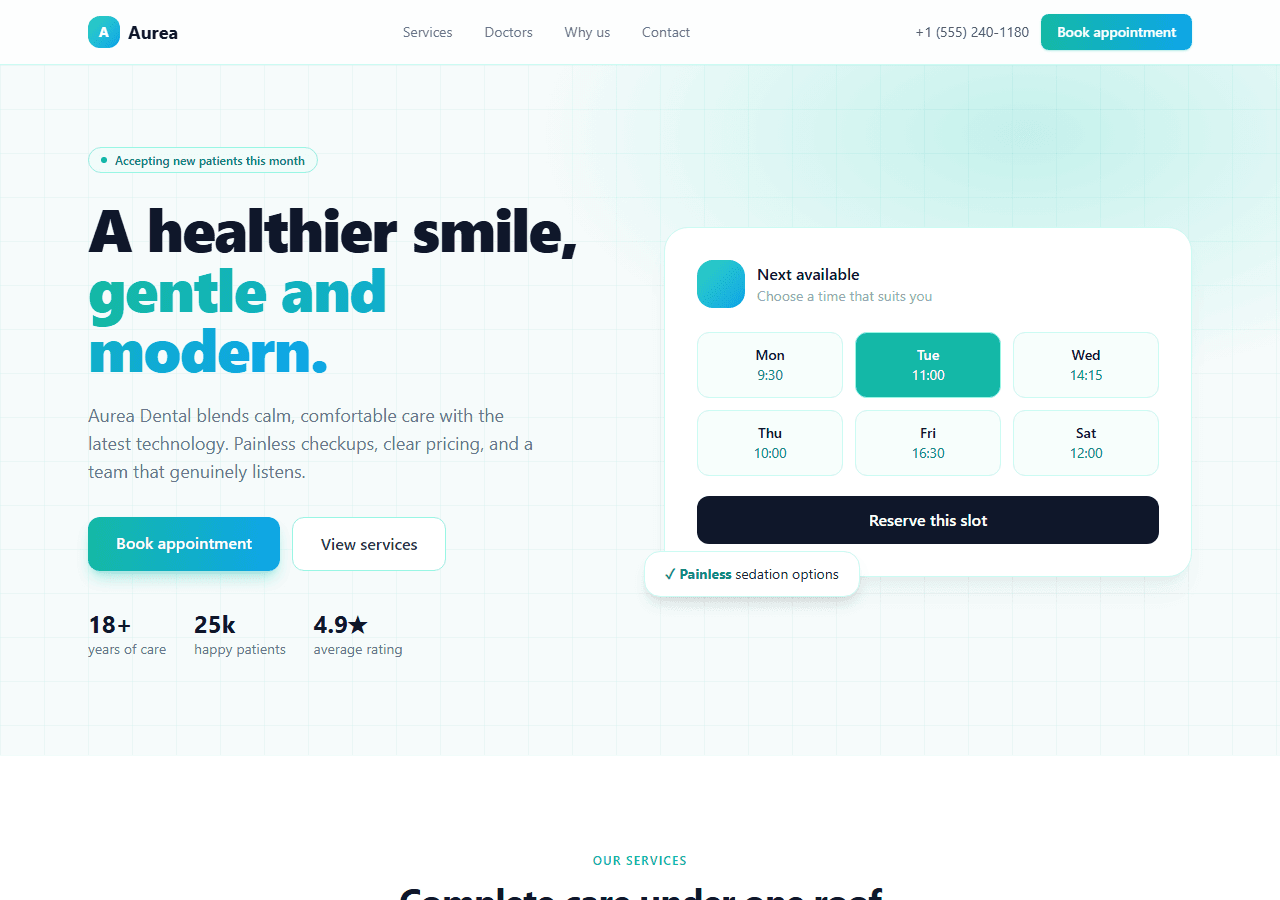
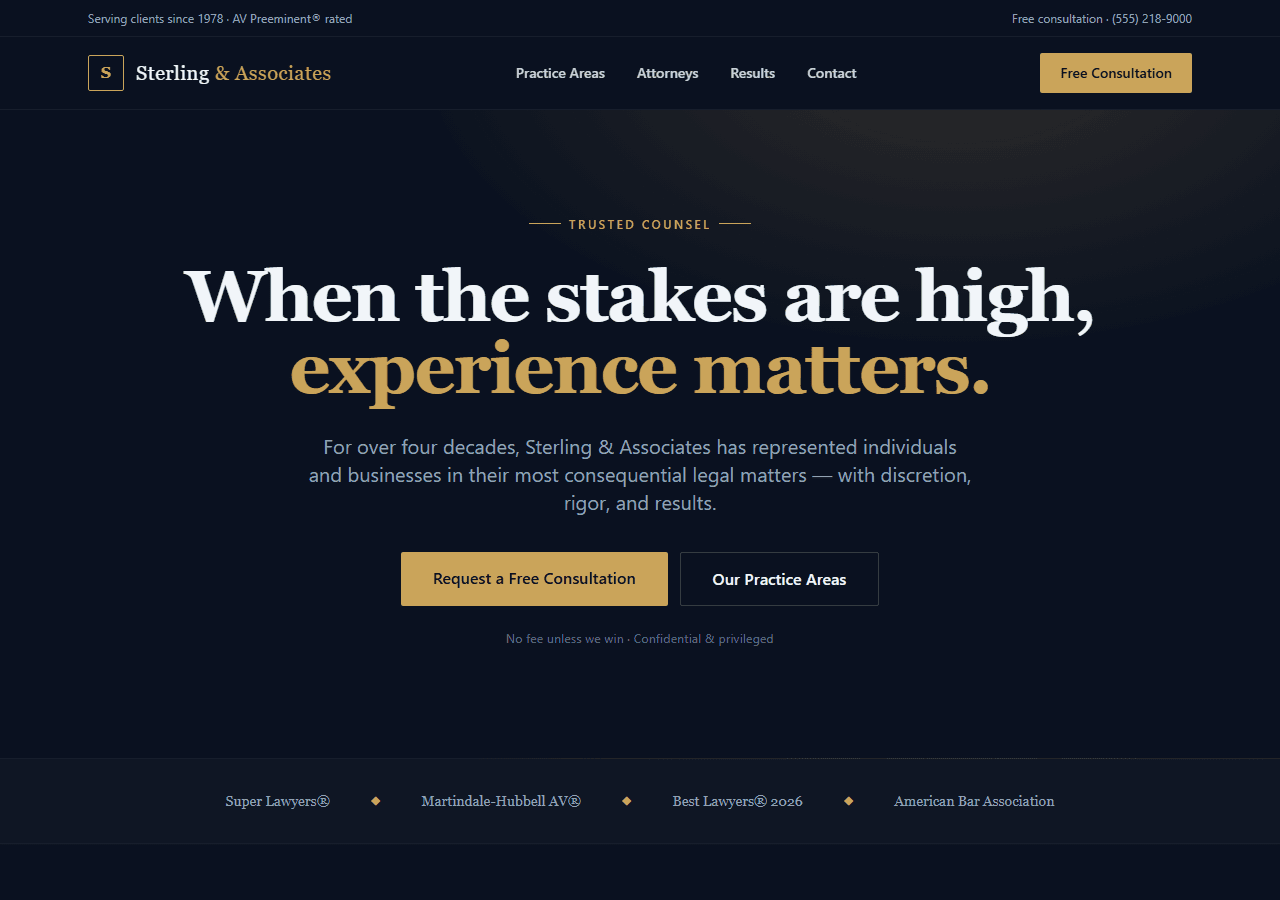
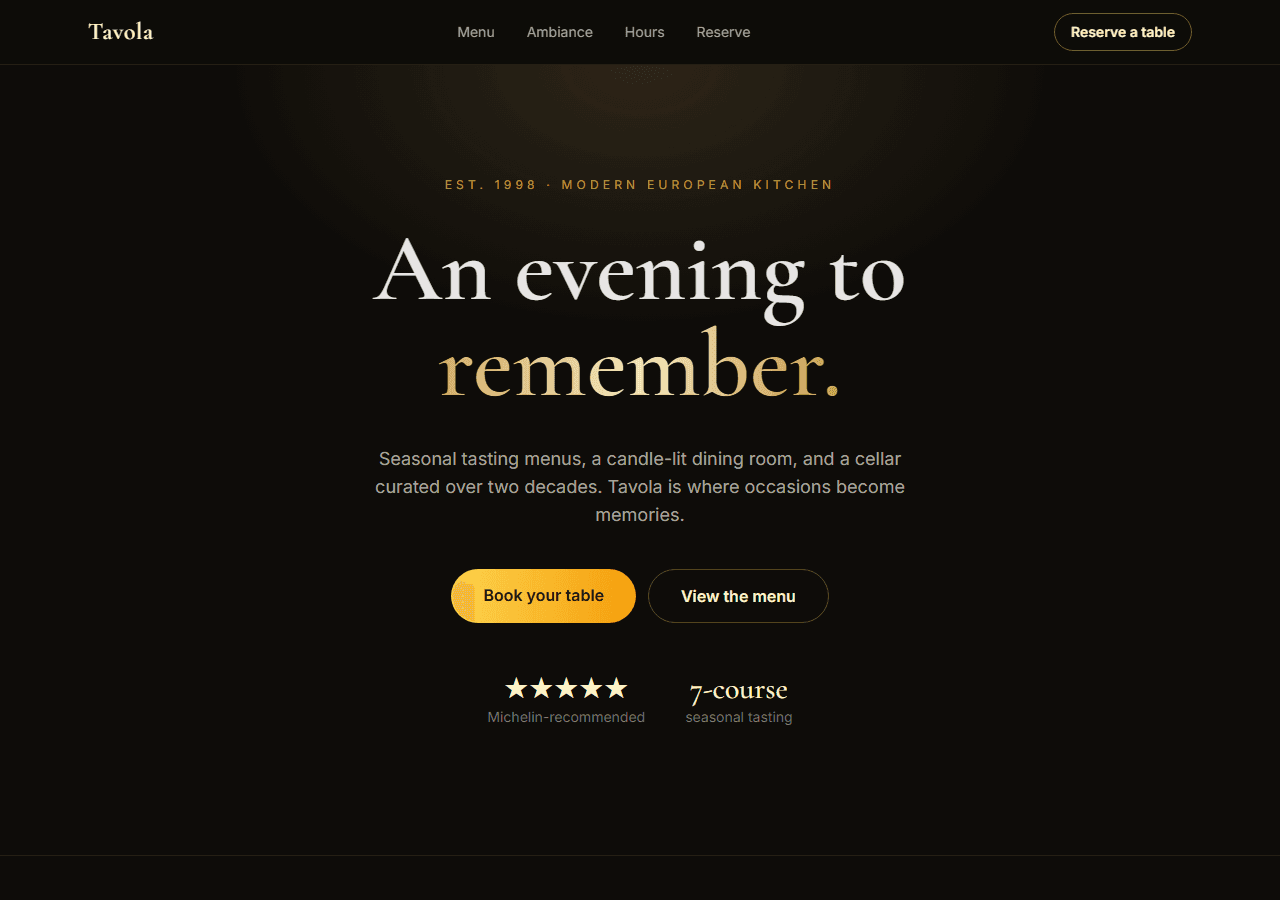
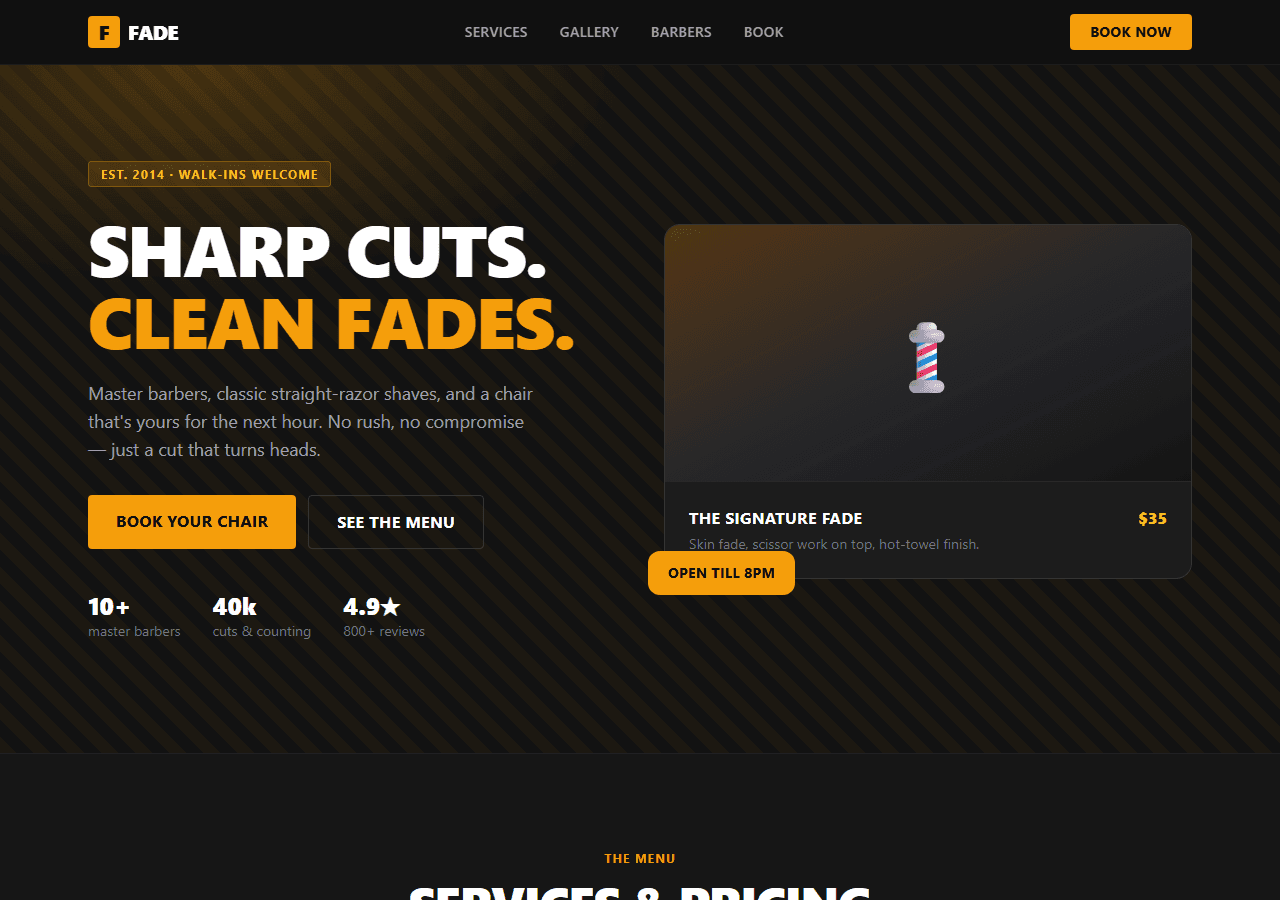
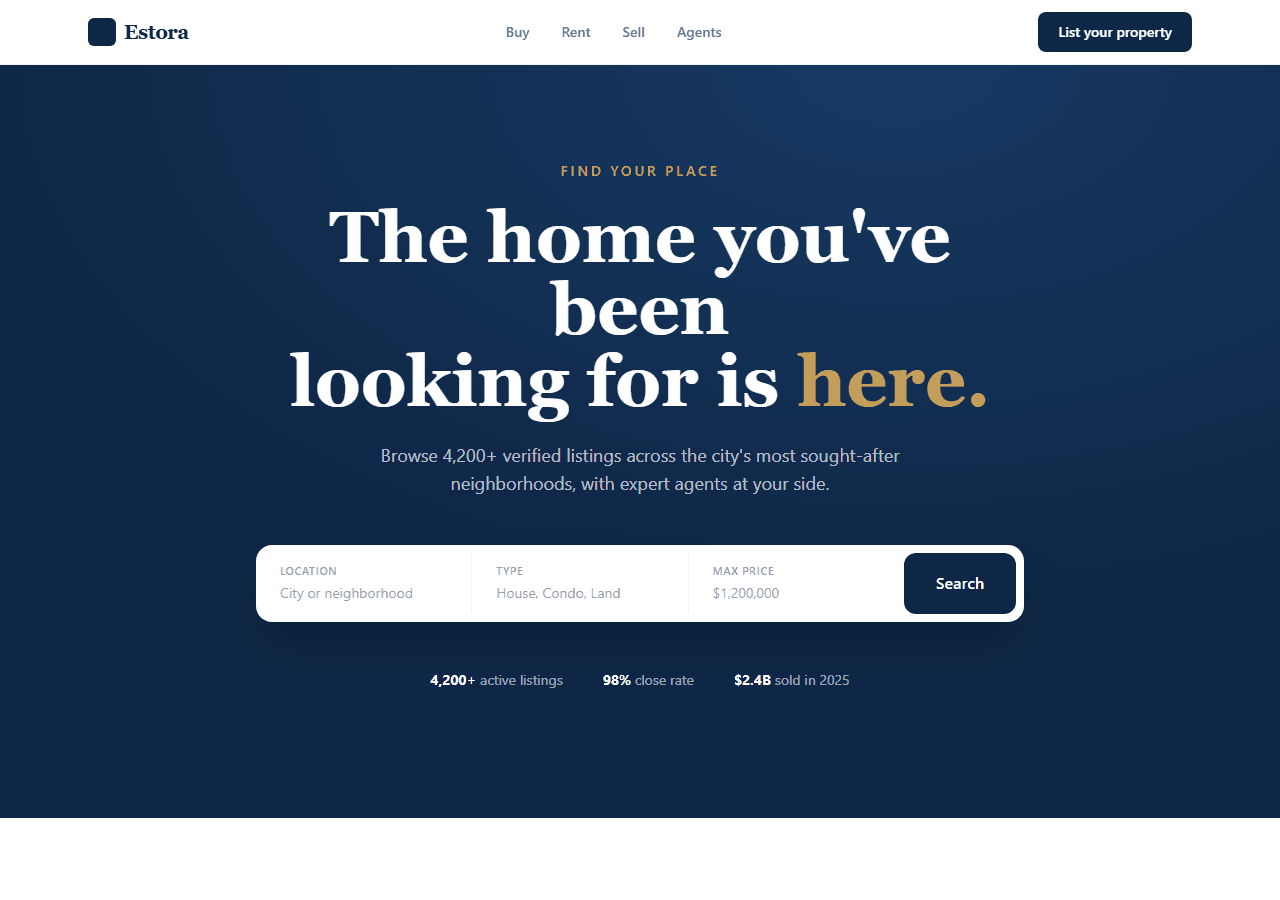
Hand-writing and maintaining this across a five-page site — and keeping it consistent on every route — is exactly the kind of boilerplate a good template removes. The local-business templates below ship with a reusable JSON-LD component pointed at a single config object: you fill in your name, address, and hours once, and every page renders correct LocalBusiness markup automatically.
Each template has a live Vercel demo you can inspect before buying — view source and you'll see the schema in the served HTML. The full bundle of 20 templates is $79 — worth it if you build local-business sites for clients.