Next.js SaaS Boilerplate vs Template: What Do You Need?
“SaaS boilerplate” and “website template” are used almost interchangeably but solve different problems. The distinction matters because choosing the wrong one wastes weeks. Here is the honest breakdown.
What is a SaaS boilerplate?
A SaaS boilerplate (starter kit, starter pack) is a codebase with the infrastructure pre-wired:
- Authentication — email/password, Google OAuth, magic links
- Billing — Stripe checkout, subscription management, webhooks
- Database layer — Supabase or Prisma schema, migration setup
- User management — dashboard, account settings, team invites
- Email sending — transactional email via Resend or Postmark
You clone it, configure your API keys, and start building your application logic on top of working infrastructure. Popular options: Shipfast ($199), Makerkit ($149), Supastarter ($299).
What is a website template?
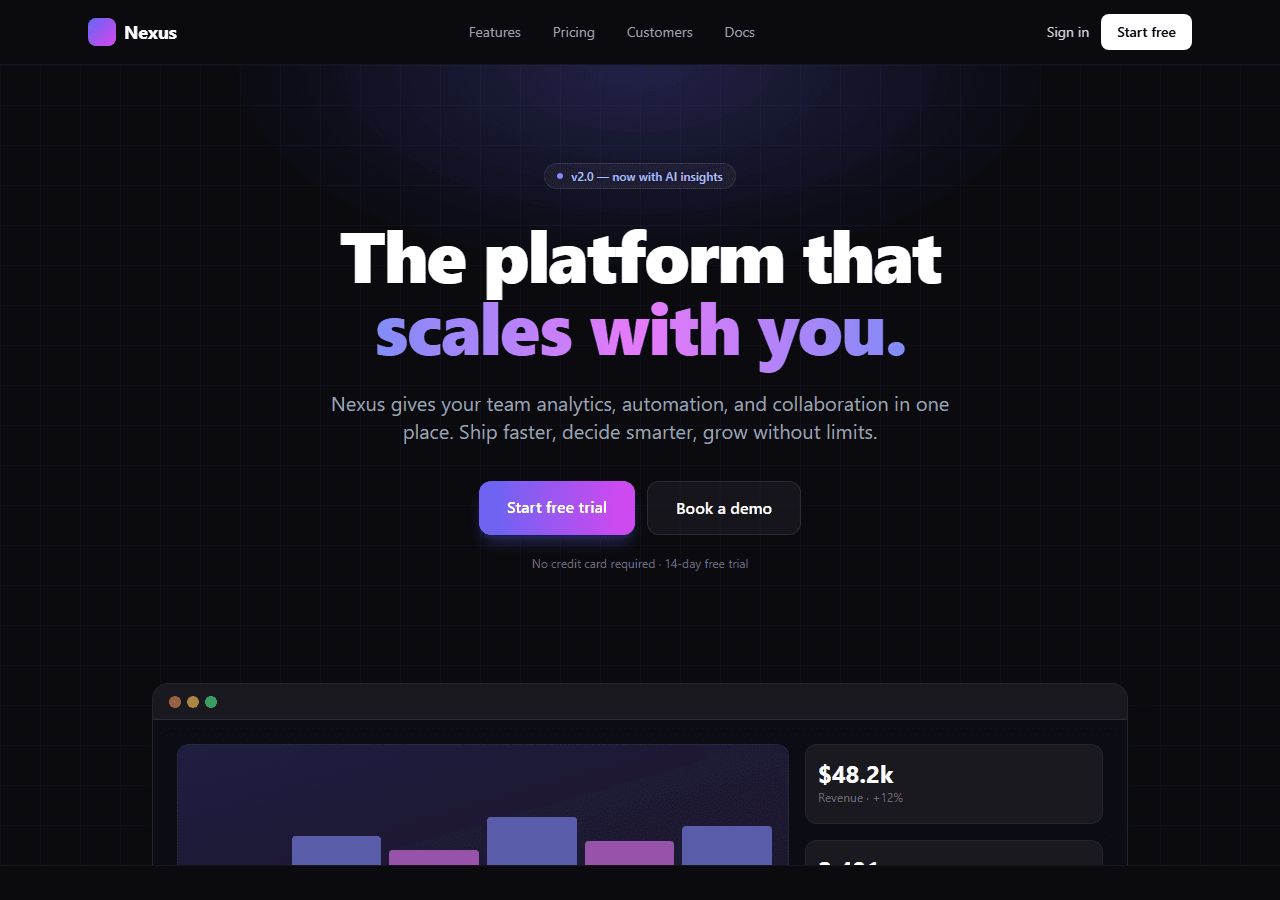
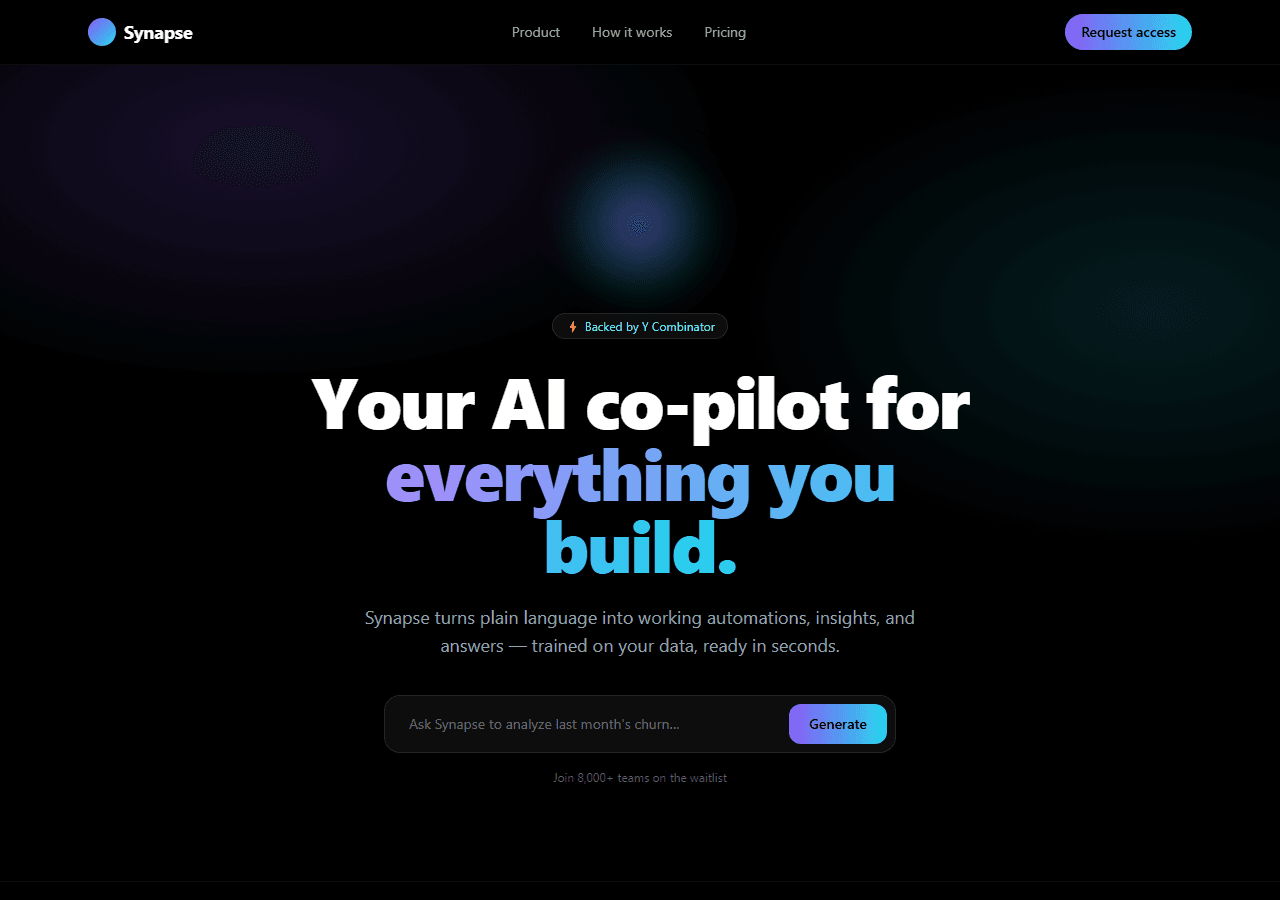
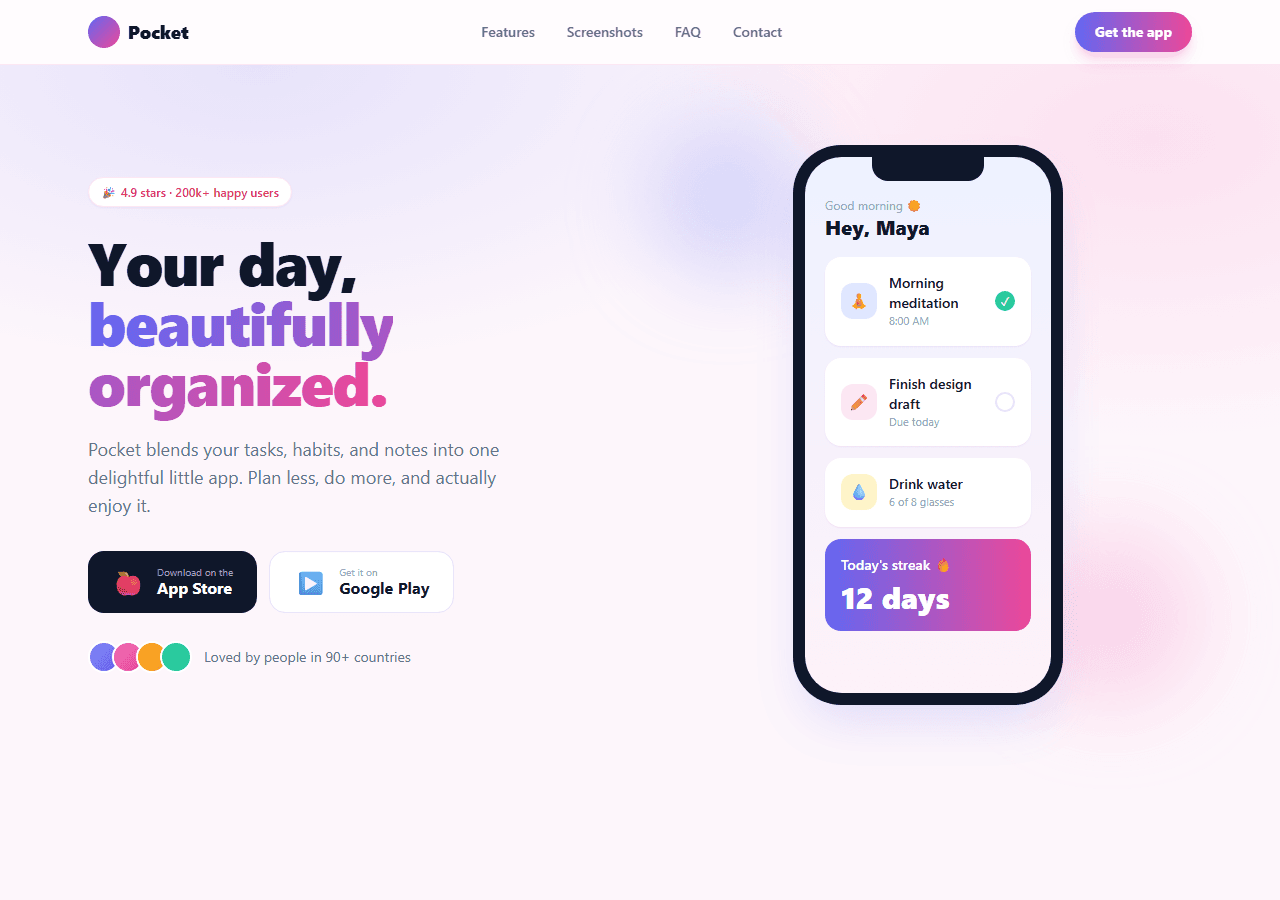
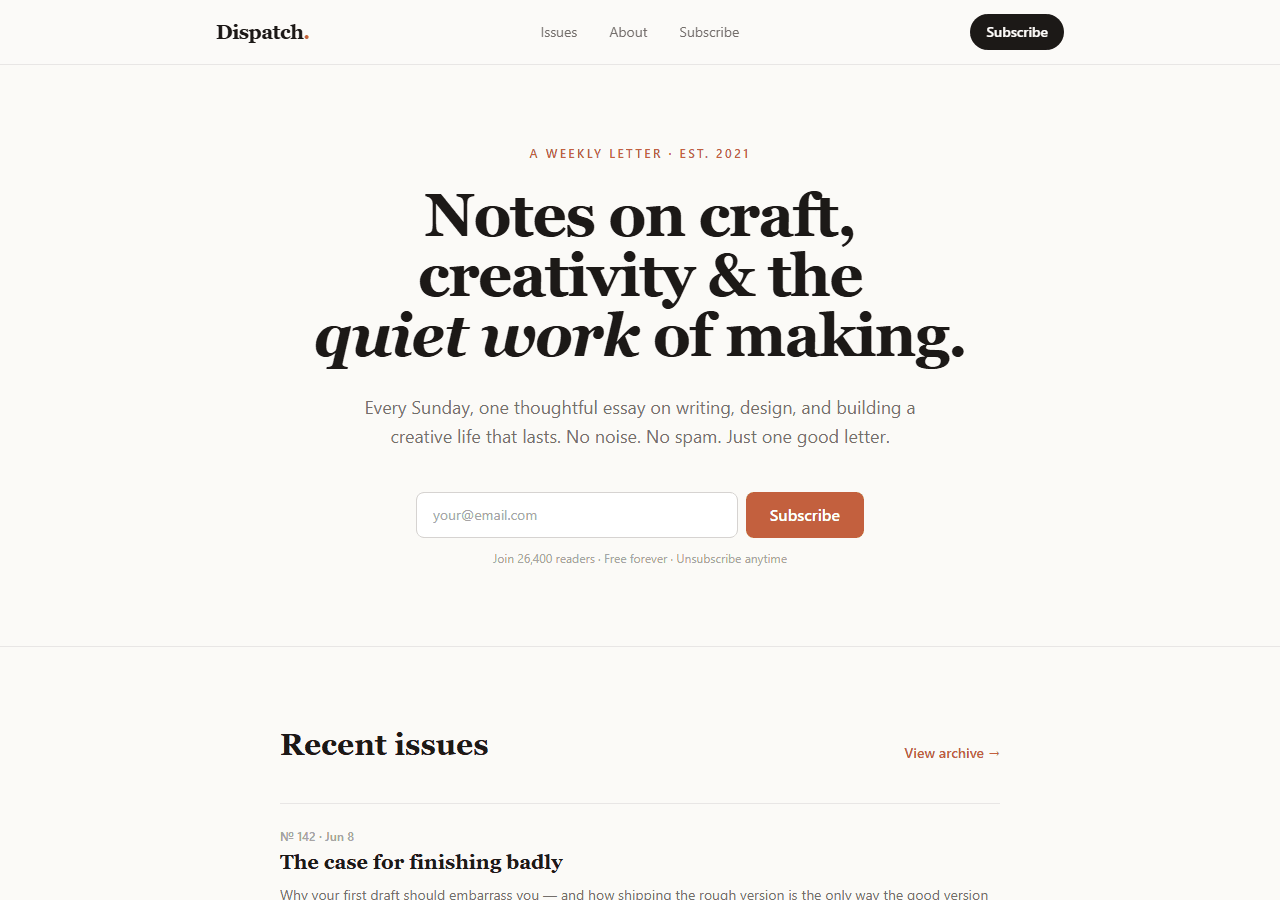
A website template is a pre-built marketing site — the pages that convince visitors to sign up. It contains:
- Home page — hero, feature grid, social proof, CTA
- Pricing page — tiered plans, feature comparison, buy button
- Features / integrations page
- Blog — static or CMS-backed articles
- Contact / support page
No auth, no database, no Stripe webhooks. The CTA buttons point to your signup URL. You fill in your copy and deploy. A template is a one-time purchase ($79 for all 20) and ships in hours, not days.
The mistake most founders make
First-time SaaS founders reach for a boilerplate immediately because it feels like building something real. The auth works, the billing works, the dashboard exists. But most early-stage SaaS ideas fail not because the auth was hard to build — they fail because nobody wanted the product.
The cheapest way to validate an idea is a landing page that collects emails or pre-orders. A template deploys in hours. A boilerplate takes days to configure correctly, and you will still spend weeks debugging webhooks and RLS policies before you can show an MVP to your first user.
Ship the landing page first. Validate demand. Then add the boilerplate.
When to use a boilerplate
- You have validated demand (emails, waitlist, pre-orders) and need to build the actual product.
- You know the auth and billing configuration is the most time-consuming part of your specific idea.
- You are comfortable configuring Stripe webhooks, Supabase RLS, and environment variables without hand-holding.
When to use a template
- You are validating an idea and need a landing page live this week.
- You have an existing app but no marketing site — the app is behind a login and visitors bounce because there is nothing to explain the product.
- You are a developer building sites for clients who need a professional multi-page site fast.
- You want the front-end to be decoupled from the app codebase — marketing site on its own repo, easy to redesign without touching the app.
The honest cost of boilerplate complexity
A $200 boilerplate sounds cheap. The real cost is configuration time. Every boilerplate makes opinionated choices — which database ORM, which email provider, which auth library, which CSS framework. If those choices don't match yours, you spend days swapping them out. Then Stripe webhooks need a local tunnel to test. Then Supabase Row Level Security blocks your first query in an unexpected way.
None of this is insurmountable — but it is rarely as fast as the landing page says. Budget a week to configure a boilerplate, not a day.
The SaaS website templates that ship in hours
These templates are the front-end of a SaaS — hero, pricing, features, and contact. Built on Next.js 16 App Router + Tailwind CSS v4, TypeScript throughout, passes next build on a fresh clone. All 20 together for $79.